A travel companion for the whole journey. Collect ideas, shape your days, keep track of spending and bring a story home. Product, identity and a bilingual launch experience.
- React
- TypeScript
- PWA
- Capacitor
01The challenge
A trip should feel like a trip.
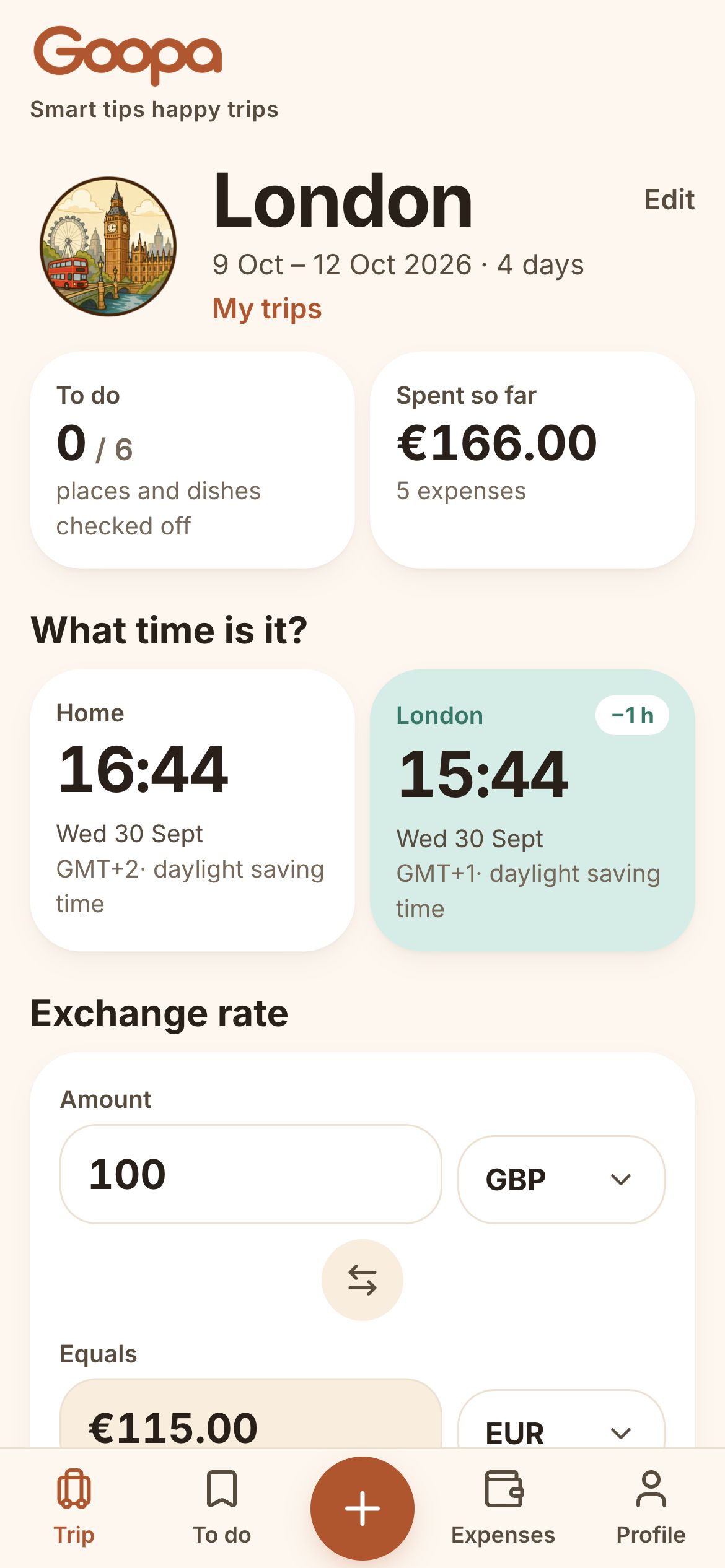
Travel planning tends to scatter the same journey across saved pins, notes, screenshots and a separate expense tracker. Once you leave, you still have to keep those pieces together. Goopa brings the practical side of a trip into one pocket-sized companion: what to see, what to try, how the day fits together and what you have spent. The aim is a little less administration, with more room to enjoy being somewhere new. I designed and built the product, its illustrated identity and the bilingual landing, connecting the experience before, during and after a journey.
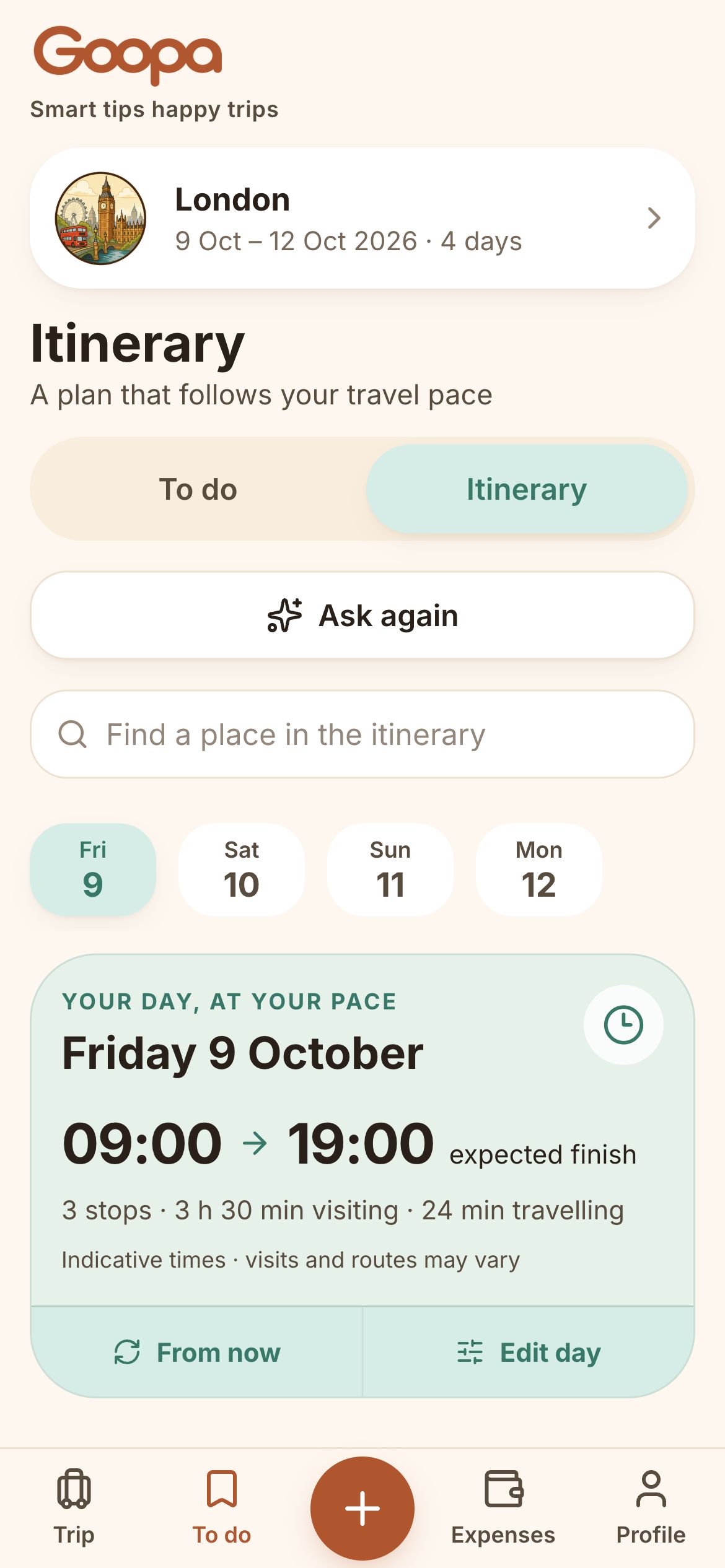
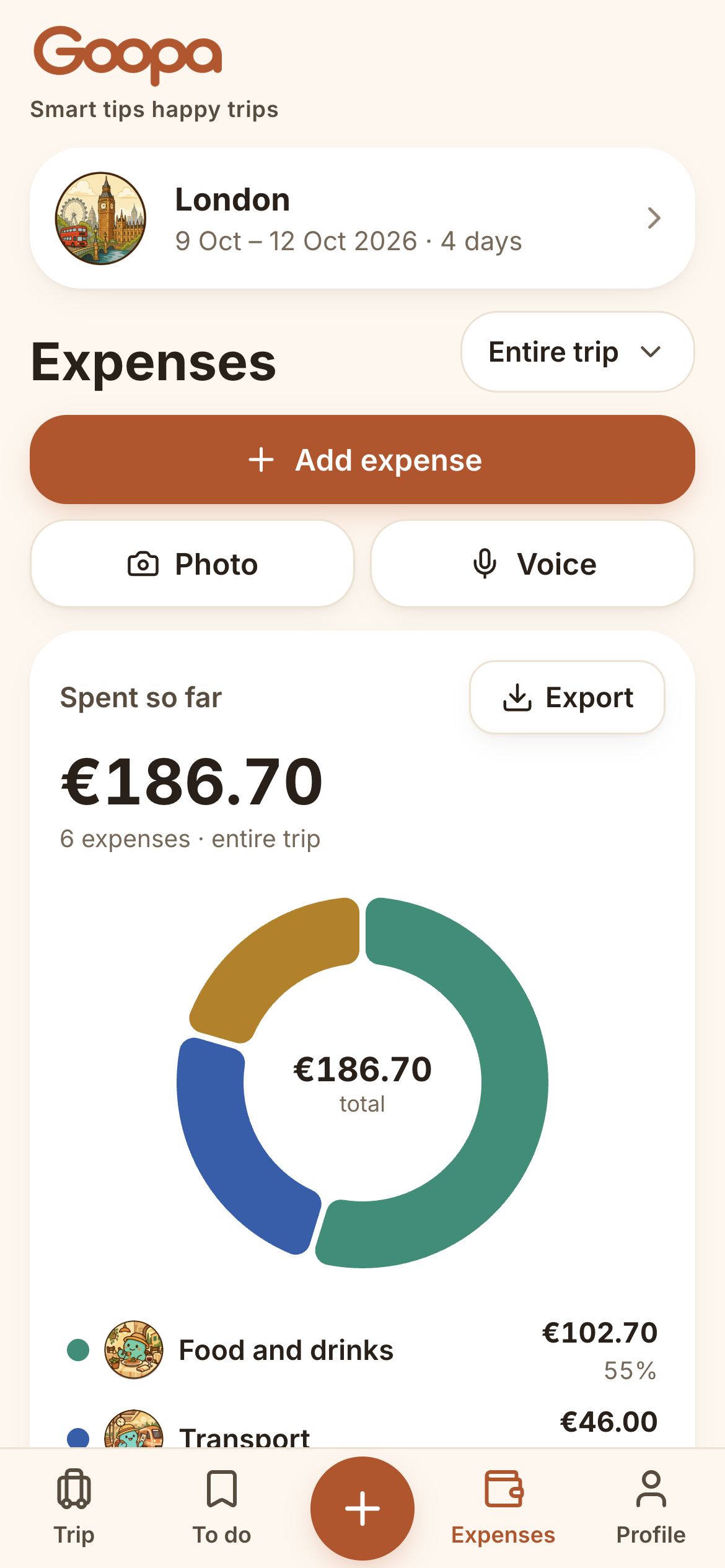
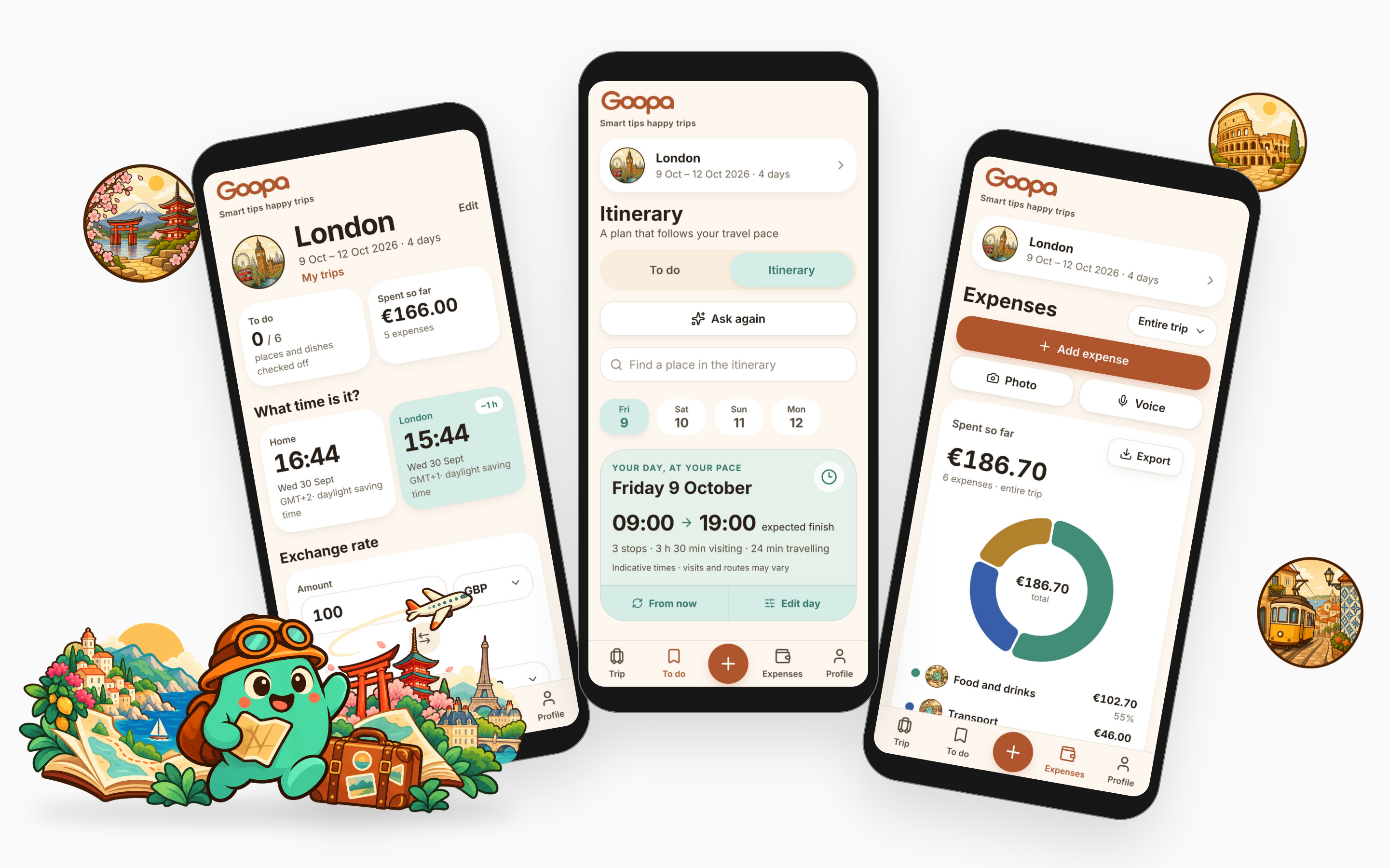
The trip, the plan and the spending. Three everyday views, one travel companion.
02The daily plan
A little structure. Room to wander.
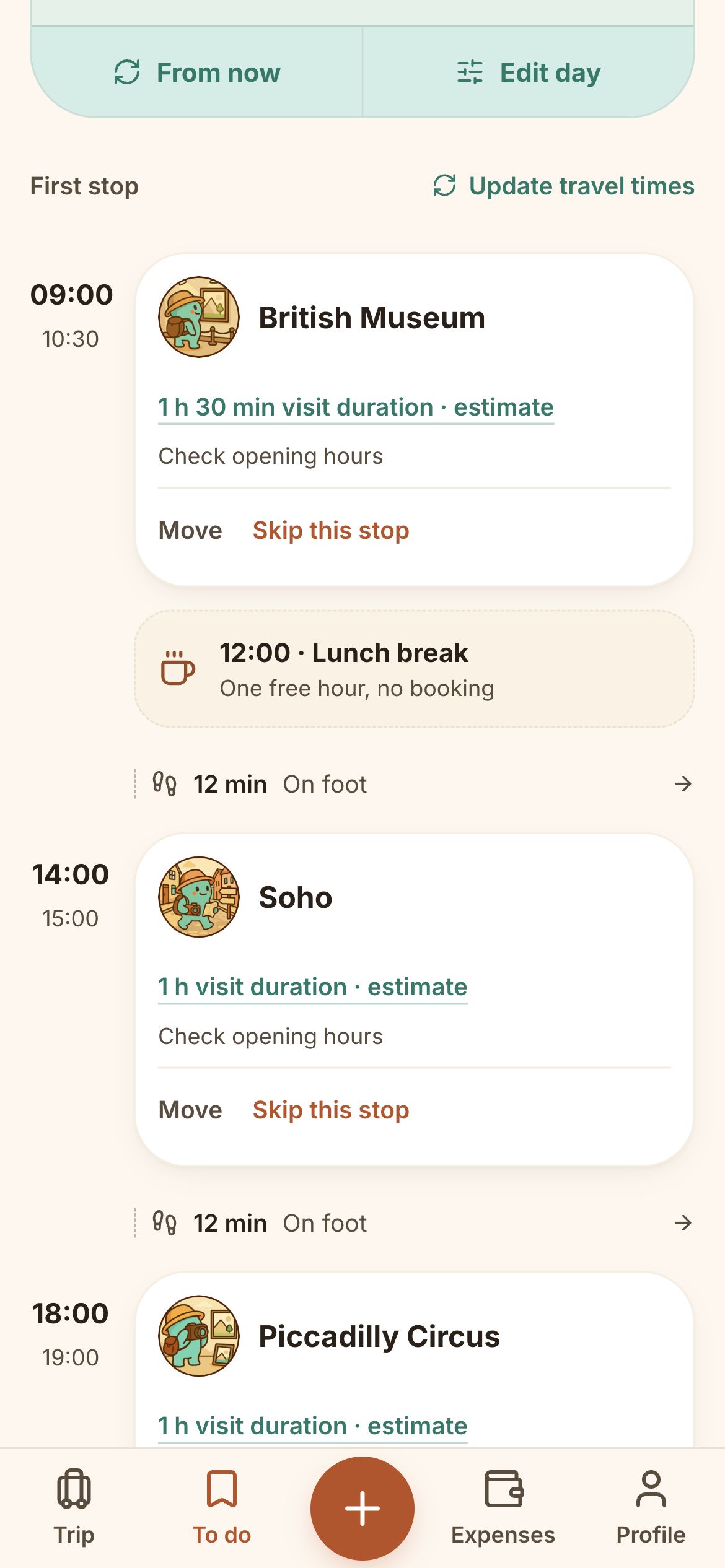
A saved place is only the start. Goopa brings activities into a daily overview, then lays out visit times, breaks and the route between stops. The plan stays close to the things you actually wanted to do.
- 01
Collect what catches your eye.
Places and dishes live together in To do, with illustrated categories that make the list easy to scan.
- 02
Give the day a shape.
Move from the saved list to the daily overview and itinerary. Times and breaks make the day legible.
- 03
Keep moving.
Directions support the next stop. Completed activities remain accessible, with an undo when plans change.
03Ask Goopa
Good suggestions. Your call.
The assistant sits inside the travel context. Ask a question, explore an idea and save a useful suggestion to To do, where it can become part of the trip.
- 01
Start with a question.
A conversational entry point keeps discovery approachable. The product also supports voice input.
- 02
Keep the useful part.
Suggestions lead back to the saved list, so an answer has somewhere practical to go.
- 03
Let the traveller decide.
AI is optional. The everyday tools for organising a trip do not depend on a conversation.
04Travel expenses
Less mental maths. More being there.
A coffee, a train ticket, dinner in another currency. Logging an expense belongs in the flow of the day, with the original amount and the converted total kept together.
- 01
A short path to saved.
Enter an amount, choose a category and save. The overview and chart bring the spending back into context.
- 02
A conversion you can trace.
Each expense retains its currency, rate, source and date. Refreshing the exchange rate does not rewrite past spending.
- 03
Useful without a signal.
Core trip data lives on the device. When a fresh rate is unavailable, the app makes that clear instead of inventing one.
05The trip recap
The trip ends. The story stays.
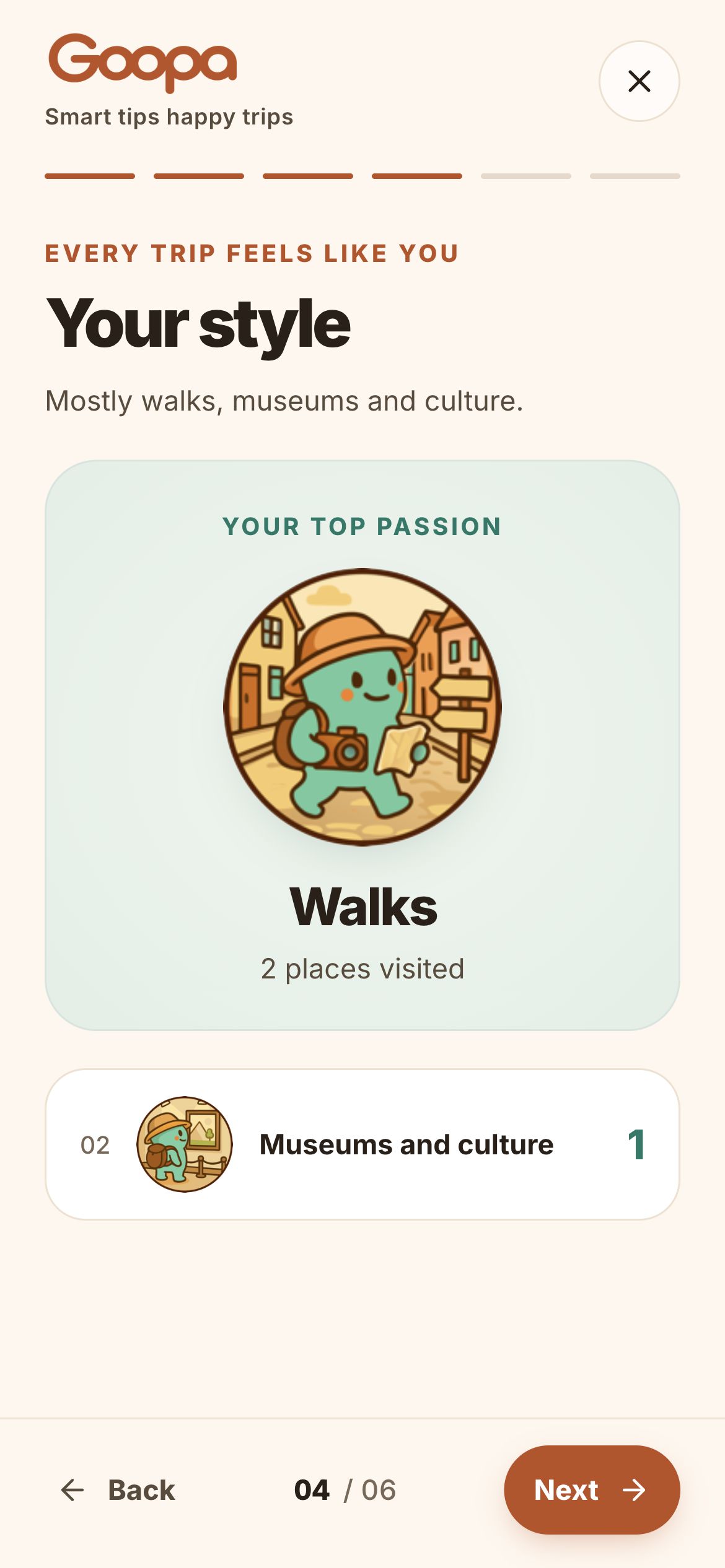
The same trip that held a plan can hold a memory. A card-based recap brings the journey back together, turning the practical details into something worth revisiting.
- 01
Look back, one card at a time.
The recap gives the journey a beginning and an ending, with a lighter pace than the everyday tools.
- 02
Keep something tangible.
A travel postcard and exports let the story leave the app, rather than disappear into an old list.
- 03
A native next chapter.
The iOS development build adds PhotoKit albums, a native gallery and local ZIP export. Store release is still ahead.
06A companion with character
A travel buddy, down to the details.
The mascot is the starting point for a family of generated illustrations. Rounded forms, dark outlines and a shared palette connect destination magnets, activity badges and the character’s different expressions. Each family has a role in the product, from recognising a place to marking a moment. Cream surfaces, mint accents and warm coral bring that same warmth into the interface. The illustrations add personality while text and controls keep the everyday tasks clear.

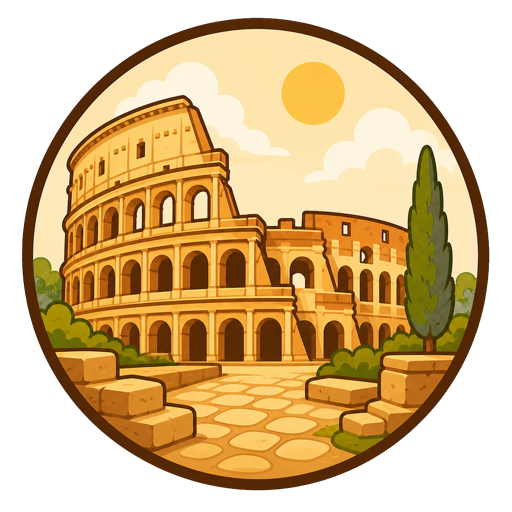
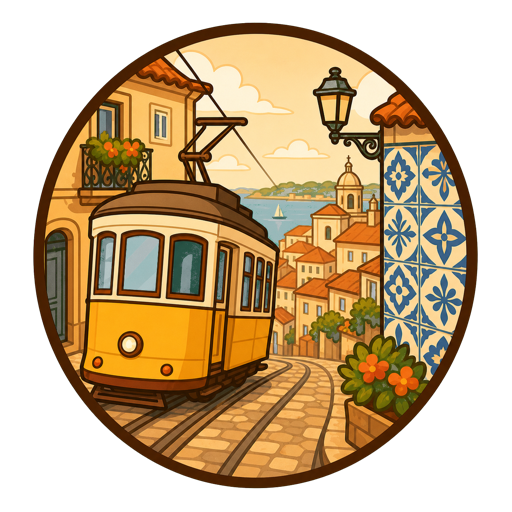
A place to picture.
Destination magnets turn landmarks into small, recognisable souvenirs. The journey has a visual identity before it begins.


A list to explore.
Activity badges carry the same rounded shapes and warm palette into saved places. A coffee stop and a museum are easy to tell apart at a glance.


A companion throughout.
The character changes pose with the moment, from a small confirmation to looking back at a trip. Different illustrations, the same familiar face.
07From concept to product
Designed together. Built to travel.
Product structure, visual identity and implementation come together in Goopa. A small set of decisions connects the friendly first impression to the practical work of organising a trip.
Inter · 400 / 600 / 700
Your day,
at your pace.
09:00 19:00
3 stops · Time to exploreGive the journey a clear structure.
Trip, To do, Expenses and Profile give everyday tasks a stable home. The central add action follows the current screen, keeping the next step close.
Make the warmth readable.
The illustrated palette carries into the interface. Deeper coral and teal variants support readable text and clear actions, alongside consistent type, spacing and rounded surfaces.
Design for the way travel happens.
Core trip data stays on the device. Accounts and AI are optional, so organising the day does not start with signing in or asking an assistant.
08The first hello
The journey starts before the app.
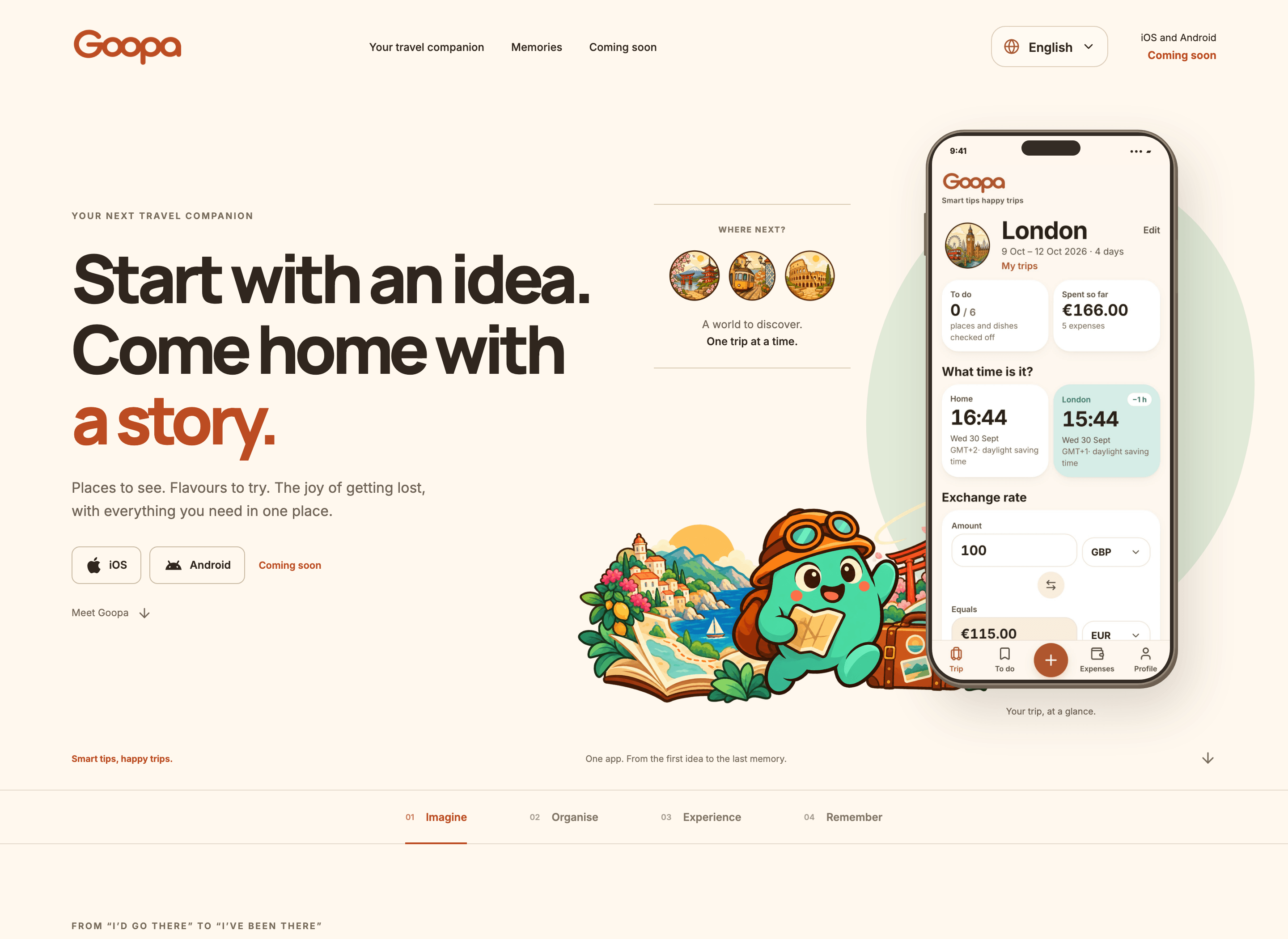
The landing tells the same story as the product: imagine, organise, experience, remember. The first screen pairs a simple travel promise with the real app, giving the brand a face and the visitor something concrete to recognise. English and Italian share the same layout, with matching product recordings. Each chapter shows a useful interaction, while the launch message keeps upcoming iOS and Android releases separate from the web experience.
09Where it stands
One product. A longer journey.
Goopa now has a working web app, an illustrated identity and a bilingual landing built around real product walkthroughs. The case study captures that product work with fictional demonstration data. Development continues on native delivery. An iOS build already connects trips to photo albums, opens a native gallery and exports a local archive with photos. It is a development build, with store release and device validation still ahead.
Local comes first.
Trips, activities and expenses are stored on the device. Account sync is a separate capability, and the interface distinguishes local, offline and synced states.
Precision behind the warmth.
Integer money calculations, explicit exchange-rate snapshots and platform time zones support an interface that feels light.
Web today. Native in progress.
The web app and bilingual landing are built. The iOS build extends them with native photo features; iOS and Android store releases remain upcoming.